
Customer access
Company, Site, and Ticket Visibility
Ticket visibility depends on your contact record, company or site membership, primary-contact settings, collaborator access, and the company ticket-sharing policy.
Production address
https://helpdesk.dsesecurity.com/
Confirm HTTPS and the exact domain before entering account or ticket information.
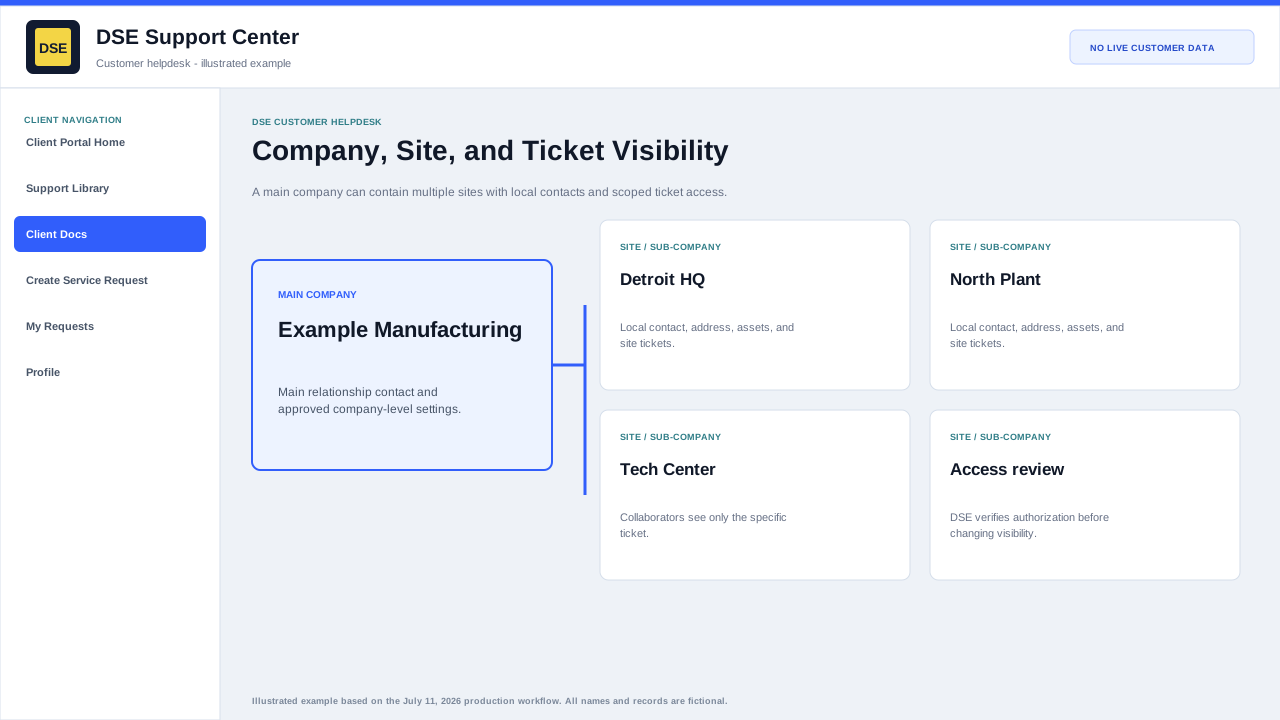
How customer records are organized
- A main company can represent the overall customer relationship.
- Sites or sub-companies can represent individual locations with their own address and local contacts.
- Your account should be connected to the company or site where you work.
- A primary or main contact may have broader visibility when the company settings allow it.
- A collaborator can view and reply to the specific ticket on which that person was included.
If a ticket is missing or incorrectly visible
- Do not create a duplicate ticket only because the original is not in My Requests.
- Use the ticket access link or the email address and ticket number when you are authorized to do so.
- Contact DSE with your name, company, site, ticket number, and the access you expected.
- DSE will verify authorization before changing company membership, primary-contact status, collaborators, or ticket sharing.
- Tell DSE immediately if you can see a ticket that appears to belong to another customer or an unrelated site.
Content owner: DSE Service Operations. Production reviewed July 11, 2026.