
Ticket conversation
Reply to an Existing Ticket
Use the ticket detail page to read DSE replies, answer questions, and add screenshots or attachments.
Production address
https://helpdesk.dsesecurity.com/
Confirm HTTPS and the exact domain before entering account or ticket information.
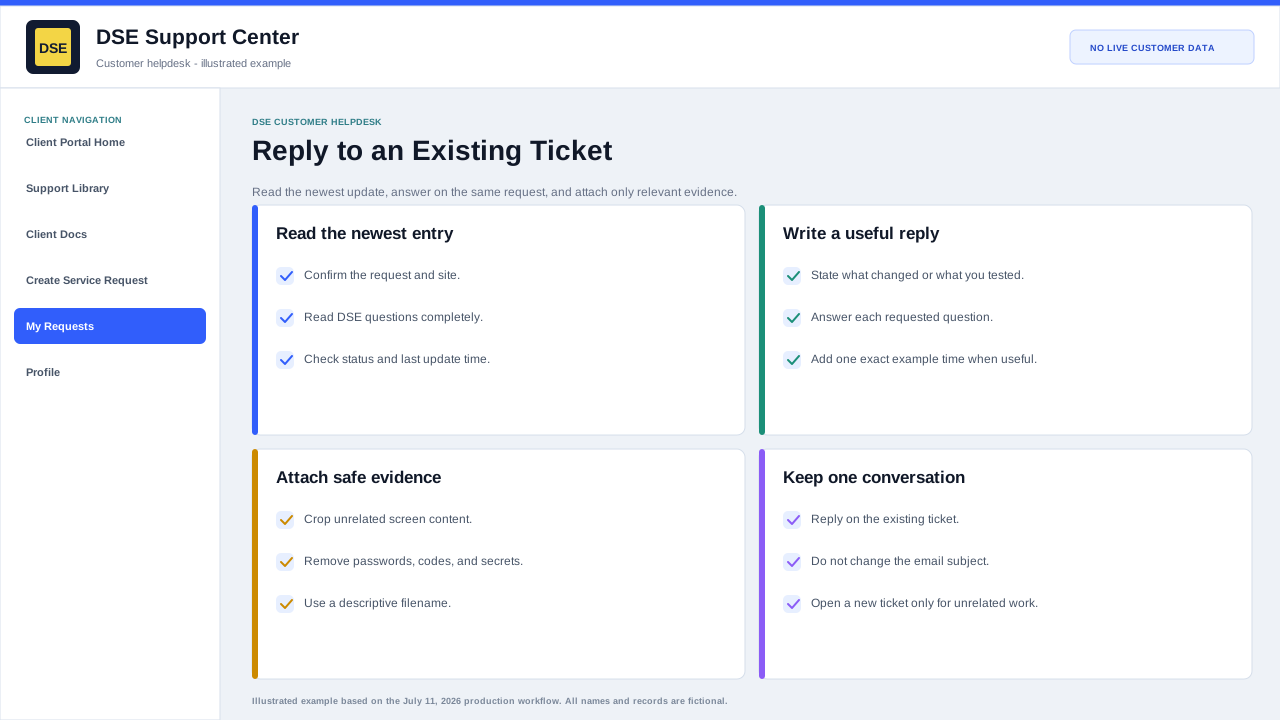
Post a reliable update
- Read the newest DSE entry and answer each question in the order asked.
- State what changed, what was tested, the current result, and one exact example time when useful.
- Confirm every selected attachment belongs to this customer, site, and ticket.
- Post once, wait for the updated conversation, and verify the reply appears before closing the browser.
Best practices for replies
- Reply on the existing ticket when the update is related to the same issue.
- Include clear notes about what changed or what you tested.
- Attach screenshots, device photos, logs, or timestamps when helpful.
- Avoid opening a second ticket for the same issue unless DSE asks you to.
When DSE is waiting on you
- Review the latest DSE staff reply carefully.
- Answer any questions requested by the technician.
- Provide scheduling availability if an onsite or remote session is needed.
Content owner: DSE Service Operations. Production reviewed July 11, 2026.