
Self-service
Support Library
The Support Library gives clients a clean starting point for choosing the right support path before opening a request.
Production address
https://helpdesk.dsesecurity.com/
Confirm HTTPS and the exact domain before entering account or ticket information.
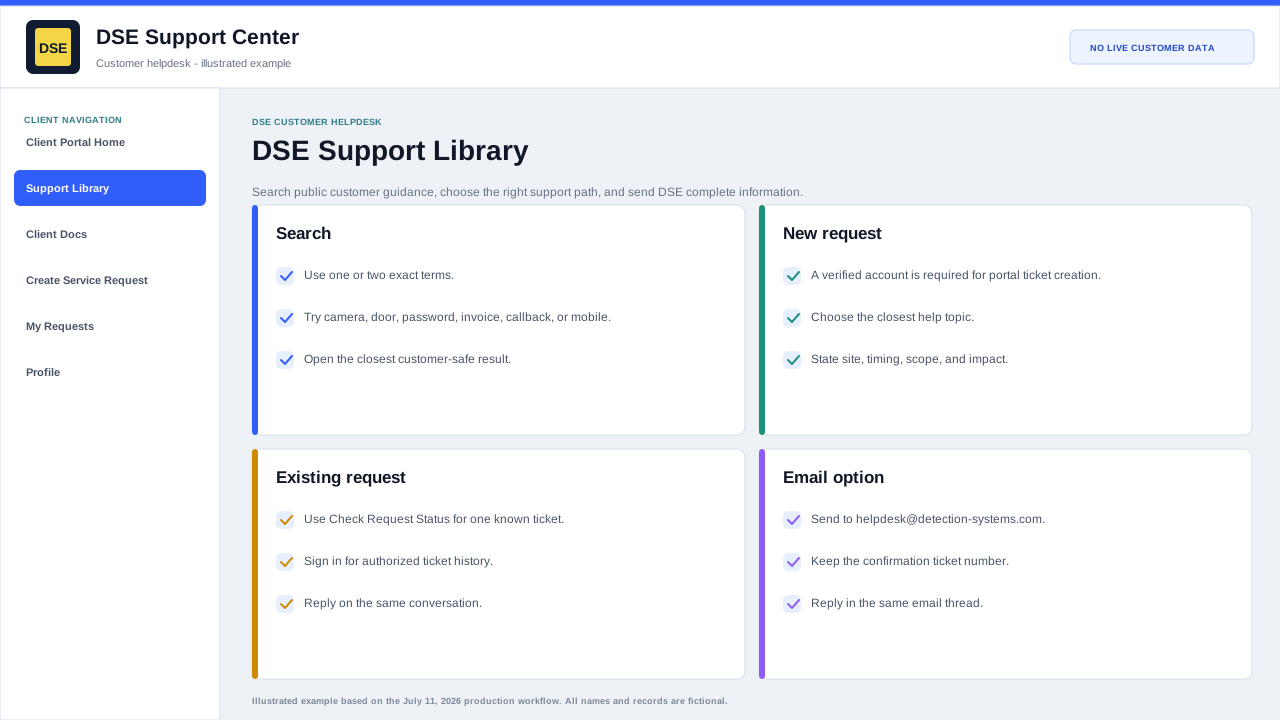
Search the library step by step
- Start with one or two exact terms such as camera offline, door access, password reset, invoice, callback, or mobile.
- Open the closest category and confirm the article is customer-facing and matches the system or request you are handling.
- Use the checklist to gather safe evidence, then create or update the ticket from the related link.
- If no result matches, open a ticket and describe the symptom rather than guessing an internal cause.
Use the Support Library to choose a path
- Use Open a ticket when something is broken, offline, intermittent, or needs DSE review.
- Use Check status when you already have a ticket number or access link.
- Use Sign in when you need private replies or your request history.
- Use the search box for common support areas such as cameras, access control, network, VPN, billing, quotes, or projects.
Why this helps
- Choosing the closest support path helps DSE route requests faster.
- The Support Library is public and does not require a login.
- No internal DSE staff documentation is shown here.
Content owner: DSE Service Operations. Production reviewed July 11, 2026.