
Secure evidence
Attachments, Screenshots, and Sensitive Information
Attachments can make troubleshooting faster, but they should contain only the customer and system information needed for the specific ticket.
Production address
https://helpdesk.dsesecurity.com/
Confirm HTTPS and the exact domain before entering account or ticket information.
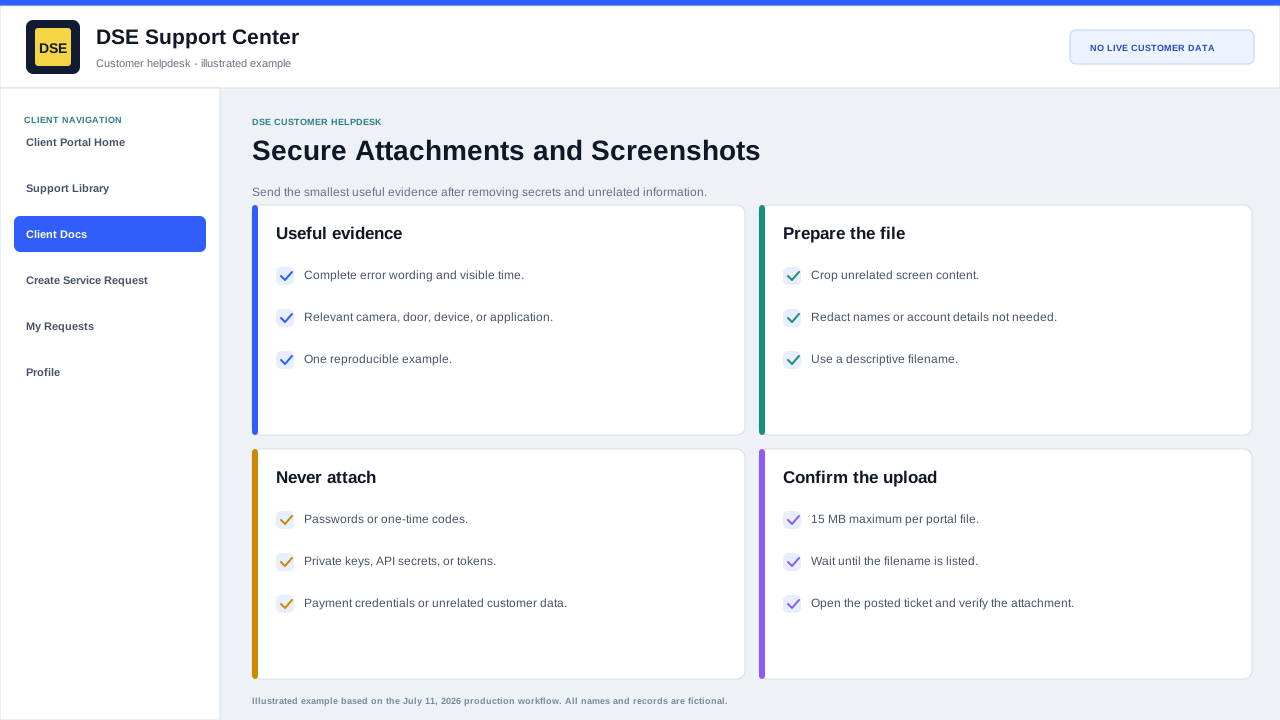
Before attaching a file
- Confirm the file belongs to the same customer, site, and ticket.
- Crop or redact unrelated people, customers, browser tabs, email addresses, IP details, account numbers, and desktop content.
- Never attach passwords, one-time codes, private keys, recovery codes, API secrets, enrollment tokens, or unredacted credential screens.
- Use the smallest useful file and a descriptive filename.
- The production portal maximum is 15 MB per file; email systems can impose a lower limit.
Useful evidence
- A screenshot with the complete error message and visible time.
- A device or panel photo that includes the relevant label or indicator without exposing credentials.
- An example event time, camera name, door, user, workstation, or transaction that DSE can reproduce.
- A short log excerpt around the failure after secrets and unrelated data are removed.
- A description of what was happening immediately before and after the evidence was captured.
Content owner: DSE Service Operations. Production reviewed July 11, 2026.