
Mobile access
Use the Client Portal on Phones, Tablets, and Browsers
Use a current browser, normal text scaling, and the production HTTPS site. Save ticket work before switching apps or losing connectivity.
Production address
https://helpdesk.dsesecurity.com/
Confirm HTTPS and the exact domain before entering account or ticket information.
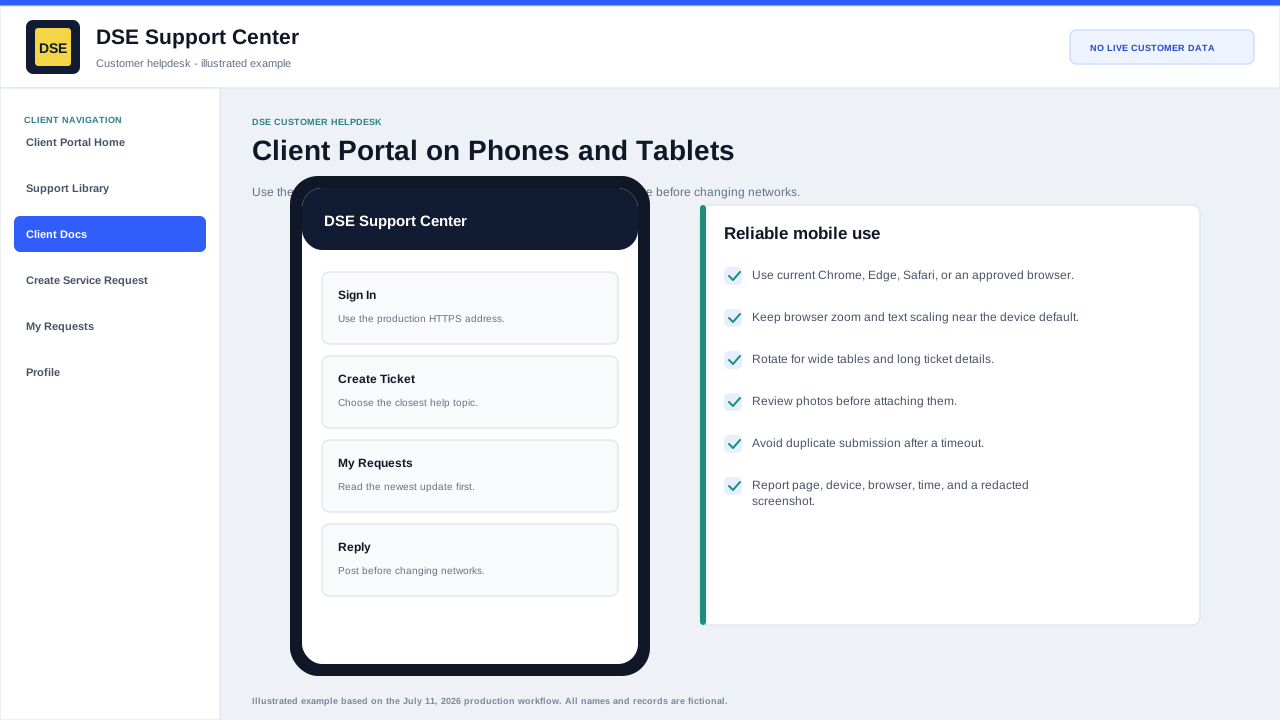
Mobile connection checklist
- Open the production address in the full browser instead of an embedded email or messaging-app browser when sign-in behaves unexpectedly.
- Keep browser zoom and text size near the device default, and rotate for wide ticket tables.
- Review photos and files before upload because a mobile picker can expose recent unrelated items.
- Submit or save work before switching networks, locking the device, or leaving the browser.
- Use a desktop browser when a dense account or ticket screen cannot show enough context safely.
Reliable mobile use
- Use the current version of Chrome, Edge, Safari, or another browser supported by your organization.
- Sign in through the production DSE HTTPS address and avoid links that show a certificate warning or unexpected domain.
- Rotate the device for wide tables or long ticket details when needed.
- Choose photos or files only after confirming they contain no unrelated or sensitive information.
- Post the reply before changing networks, closing the browser, or switching away for a long time.
If the page does not fit or respond
- Return browser zoom to normal and try the device default text size.
- Refresh once and sign in again if the session expired; avoid repeatedly submitting the same form.
- Try a private tab only for diagnosis because it will not keep your normal signed-in session.
- Capture the page name, device, browser version, time, and a redacted screenshot.
- Email helpdesk@detection-systems.com with the details if the portal prevents ticket creation.
Content owner: DSE Service Operations. Production reviewed July 11, 2026.