
Existing request
Check Request Status
Clients can check request status without signing in by using the email address and ticket number associated with the request.
Production address
https://helpdesk.dsesecurity.com/
Confirm HTTPS and the exact domain before entering account or ticket information.
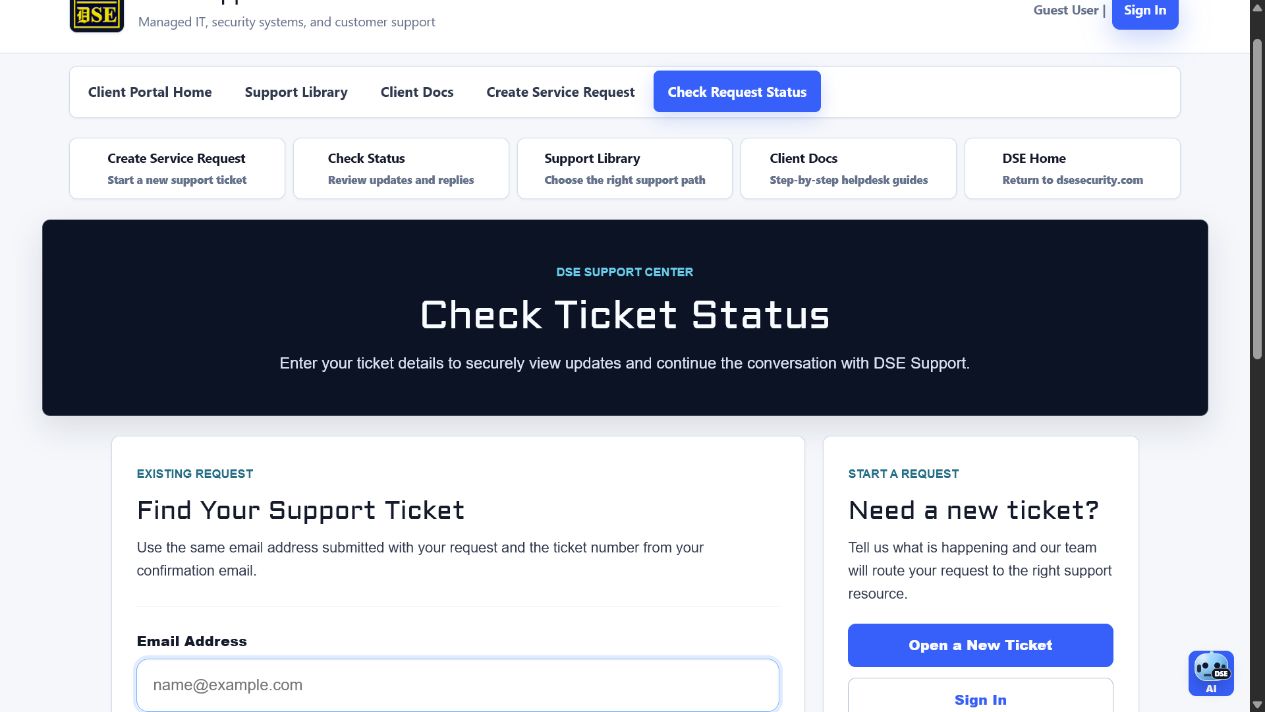
Request a secure ticket access link
- Open https://helpdesk.dsesecurity.com/view.php.
- Enter the same email address used when the request was created.
- Enter the ticket number from the DSE confirmation email and select Email Access Link.
- Use the newest access message delivered by the DSE ticket system and verify the destination is the DSE HTTPS helpdesk.
- Sign in instead when you need all tickets available to your authorized account.
What you need
- The email address used when the ticket was created.
- The DSE ticket number from the confirmation email.
- An access link from a DSE ticket email, if one was provided.
What you can review
- Current ticket status and recent updates.
- Replies from DSE Support.
- Any questions DSE needs you to answer before the ticket can move forward.
Content owner: DSE Service Operations. Production reviewed July 11, 2026.