
Account
Profile and Account Settings
Clients should review their account information and ask DSE to verify locked identity, contact, company, or site changes.
Production address
https://helpdesk.dsesecurity.com/
Confirm HTTPS and the exact domain before entering account or ticket information.
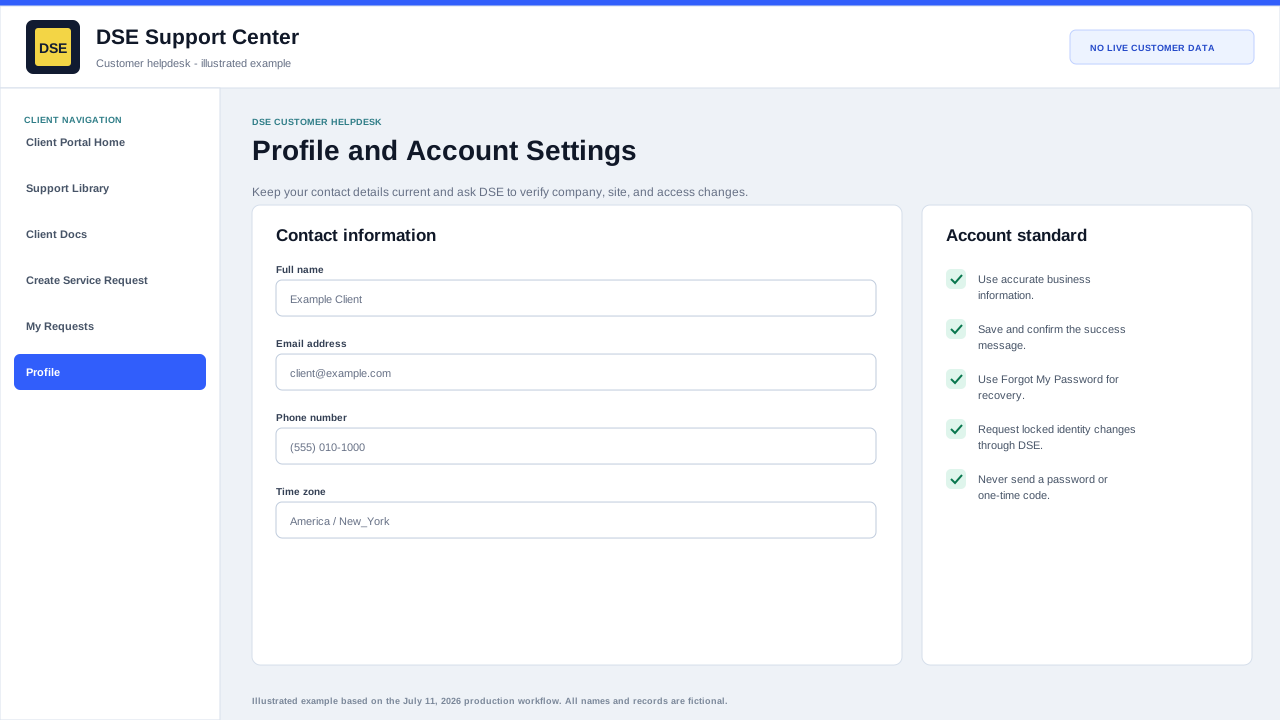
Account information and access boundaries
- Update only your own editable name, phone, timezone, and account settings.
- Company, site, primary-contact, sharing, and other identity changes require DSE authorization review.
- Use a ticket to request a locked change and include your name, company, site, and business reason.
- Tell DSE immediately when the profile or ticket list exposes unrelated customer information.
What to keep updated
- Review your name, primary email address, and phone number.
- Review your company and site information when shown.
- Use the portal password controls only for your own password.
- Open a support ticket when a locked identity, contact, company, or site value needs correction.
Why it matters
- Accurate contact details help DSE verify the correct requester.
- Correct phone and email details reduce delays when DSE needs more information.
- Keeping account access current helps prevent missed replies.
Content owner: DSE Service Operations. Production reviewed July 11, 2026.