
Security systems
Alarm, Intrusion, and Intercom Issue Checklist
Describe the panel, area, point, device, event time, displayed condition, and current safety impact without exposing codes or performing an unapproved reset.
Production address
https://helpdesk.dsesecurity.com/
Confirm HTTPS and the exact domain before entering account or ticket information.
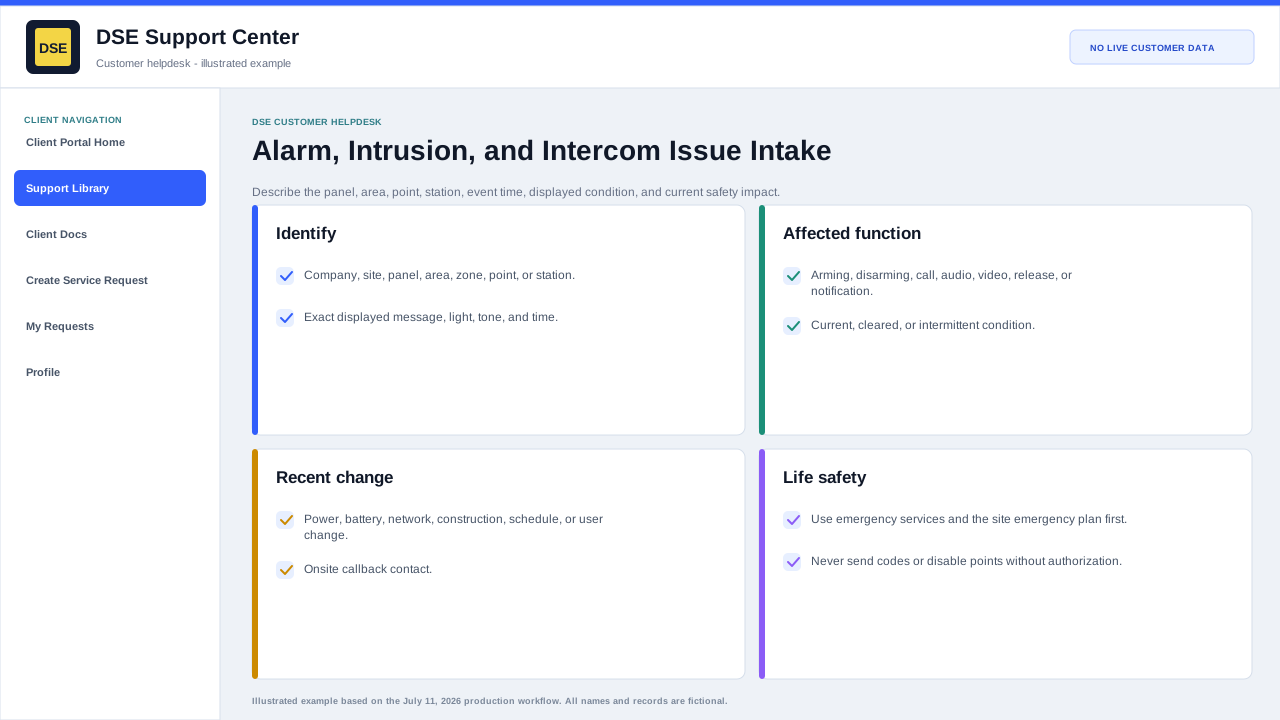
Include these details
- Company, site, building, panel, area, zone, point, intercom station, or device name.
- The exact displayed message, indicator, tone, event time, and whether the condition is current or intermittent.
- Whether arming, disarming, call initiation, audio, video, door release, notification, or monitoring is affected.
- Any recent power, battery, network, phone, construction, schedule, user, or equipment change.
- A safe callback contact who is currently at the site when onsite confirmation may be needed.
Do not include or attempt
- Do not send alarm codes, duress codes, passwords, recovery codes, or programming credentials.
- Do not disable points, silence a life-safety condition, open a panel, or reset equipment unless an approved procedure or DSE technician directs you.
- Follow the site emergency plan and contact emergency services for immediate danger, fire, medical, duress, or life-safety conditions.
- Tell DSE which emergency or monitoring contacts have already been notified.
Content owner: DSE Service Operations. Production reviewed July 11, 2026.