
Video support
Camera and Video Issue Checklist
Provide camera identity, location, timing, recorder or application context, and the exact viewing or recording symptom so DSE can begin with the right evidence.
Production address
https://helpdesk.dsesecurity.com/
Confirm HTTPS and the exact domain before entering account or ticket information.
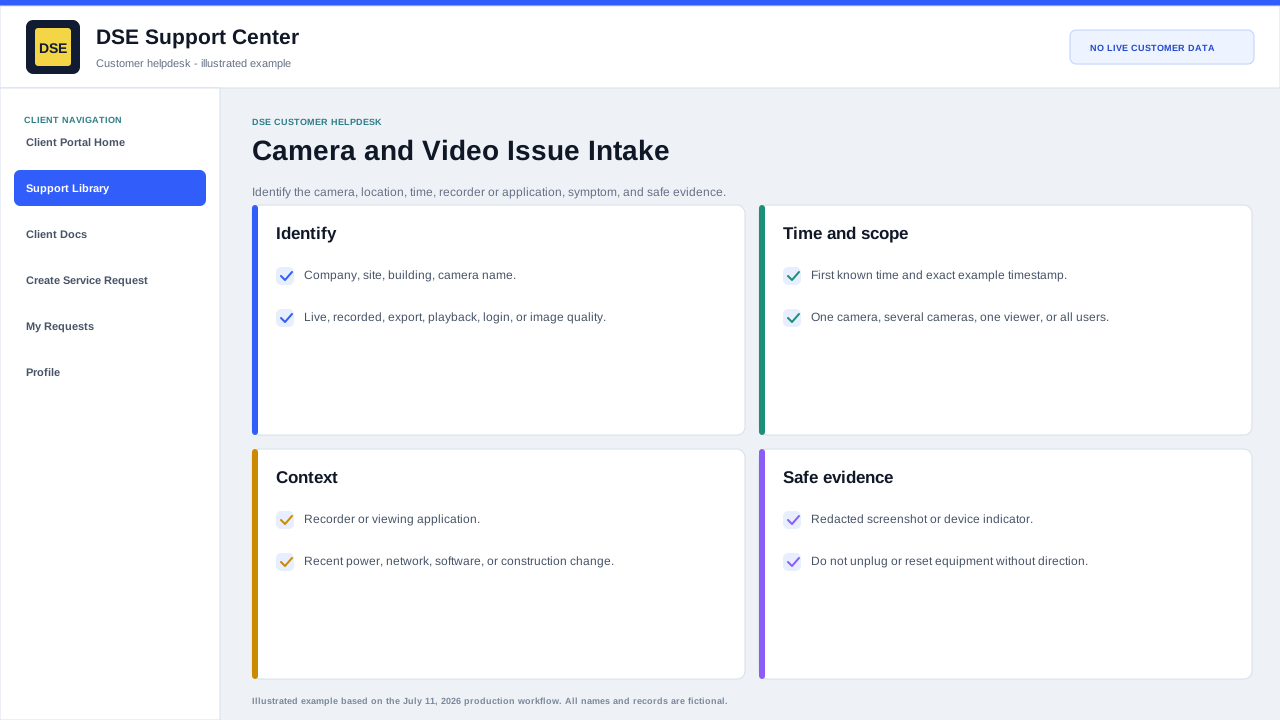
Include these details
- Company, site, building, floor, and camera name or number.
- Whether the problem affects live video, recorded video, export, playback, login, image quality, motion, or one viewing station.
- The first known time and at least one exact example timestamp with timezone.
- Whether one camera, a group, one recorder, one user, or the whole site is affected.
- Any power, network, construction, weather, software, password, or equipment changes near the start time.
Safe checks before submitting
- Confirm the viewing device has normal network access and the application is not paused on an old image.
- Try another authorized camera or workstation to narrow the scope.
- Record visible indicators without unplugging, rebooting, resetting, or moving security equipment unless DSE directs you.
- Attach a redacted screenshot and note the application, device, and browser version when relevant.
- Do not include recorded video of unrelated people unless it is necessary and authorized for the request.
Content owner: DSE Service Operations. Production reviewed July 11, 2026.