
Summary: One complete ticket is easier to route, prioritize, troubleshoot, schedule, and audit than several partial requests for the same issue.
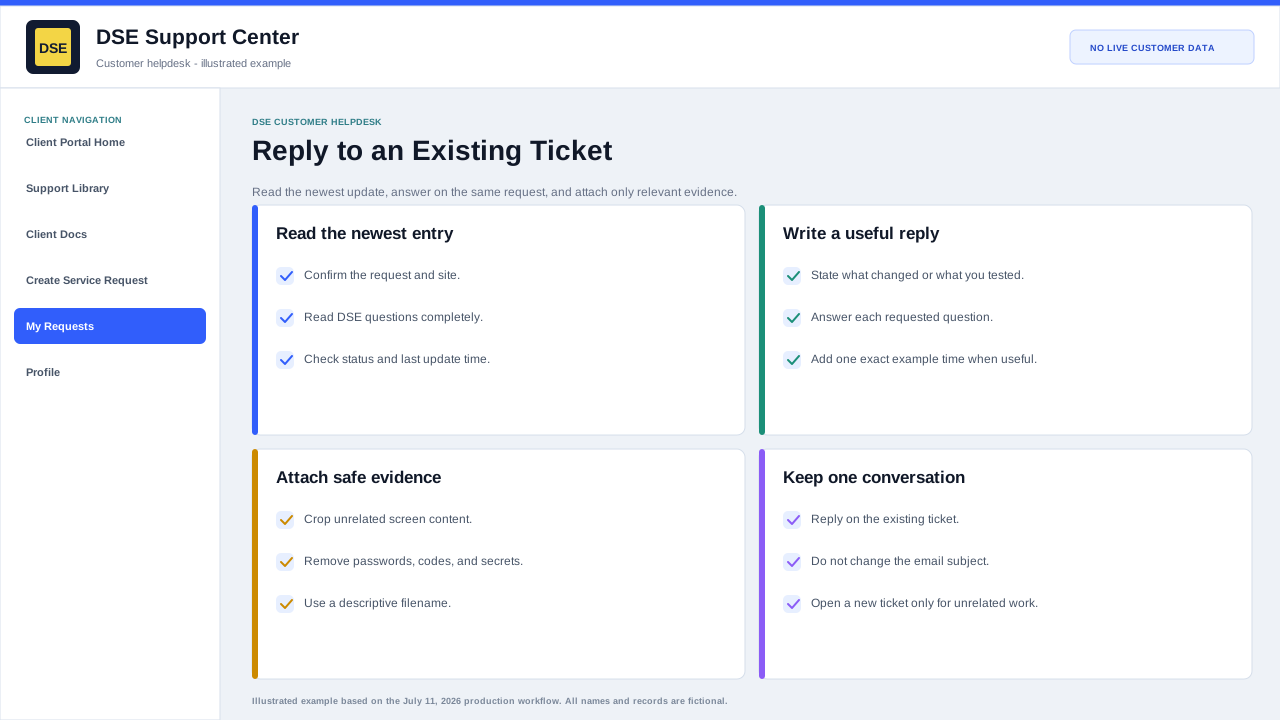
Update the existing ticket when
- The affected system and underlying issue are the same.
- You have a new error, screenshot, timestamp, test result, or business-impact update.
- You are answering a DSE question or providing scheduling availability.
- The issue returned shortly after the same attempted resolution.
Open a separate ticket when
- The issue is unrelated and needs a different owner, priority, or workstream.
- A different site or system has a separate symptom and timeline.
- The original ticket is closed and the new event is not a continuation of that incident.
- DSE asks you to separate project, billing, access, or technical work.
If duplicates already exist
- Reply with all known ticket numbers and identify which one has the most complete history.
- Stop updating the duplicates after DSE identifies the primary ticket.
- Do not delete useful evidence; DSE can preserve or reference it during consolidation.
Related resources
Content owner: DSE Service Operations · Production review: July 11, 2026