
Summary: Ticket email is a notification and conversation path. Keep the DSE ticket number in the subject and reply within the same thread so updates remain attached to the correct request.
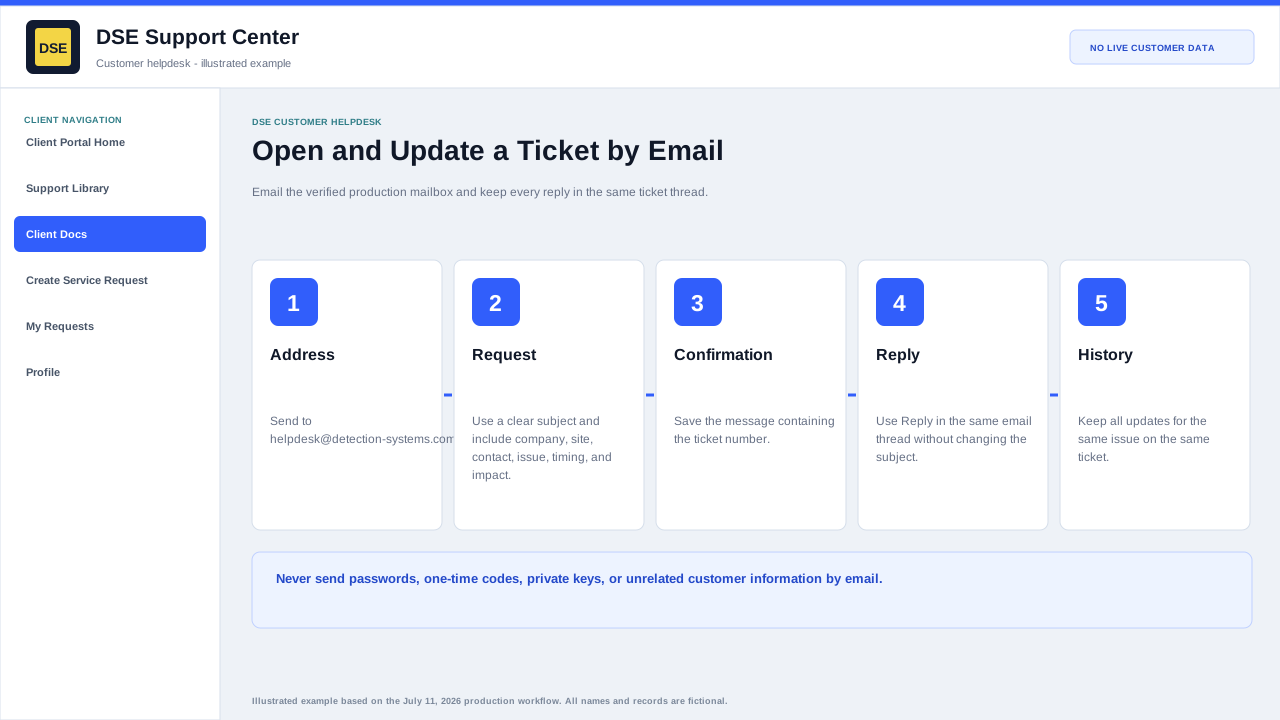
Recognize a ticket message
- The message identifies the DSE Support Center and normally includes a ticket number or ticket context.
- Confirmation messages acknowledge ticket creation; later messages may contain technician replies, status notices, or access links.
- Check spam and quarantine when an expected notice is missing.
- Verify the sender and destination before opening a link or attachment.
Reply safely
- Use Reply rather than composing a new unrelated message.
- Keep the ticket identifier and existing subject intact.
- Remove unrelated recipients and old sensitive content before sending.
- Answer the technician questions and describe any new impact or test result.
- Confirm the reply appears in the portal conversation when the update is important.
Avoid duplicate tickets
- Do not send the same issue repeatedly to several support addresses.
- Do not start a second email thread because the first response is pending.
- Use a new ticket only for an unrelated issue or when DSE instructs you to do so.
- Reference related ticket numbers when two issues affect the same site or event.
Related resources
Content owner: DSE Service Operations · Production review: July 11, 2026