
Summary: Use the requester and collaborator controls to include only people who are authorized and need to participate in the specific support request.
Requester and collaborators
- The requester is the primary customer contact for the ticket.
- A collaborator is an additional person deliberately included in the conversation.
- Use a business email address connected to the correct company or site whenever possible.
- Add only the contacts needed for decisions, testing, access, scheduling, or approval.
Before adding someone
- Confirm the person is authorized to receive the site and system information in the ticket.
- Avoid broad distribution lists for sensitive security-system work.
- Tell DSE when a contact should be site-limited or should receive notices without broader organization access.
- Remove or correct a collaborator promptly when the wrong person was included.
Notification expectations
Ticket notices depend on the requester, collaborators, company sharing policy, and the notification selected by DSE. Email delivery can also be affected by the recipient mail system.
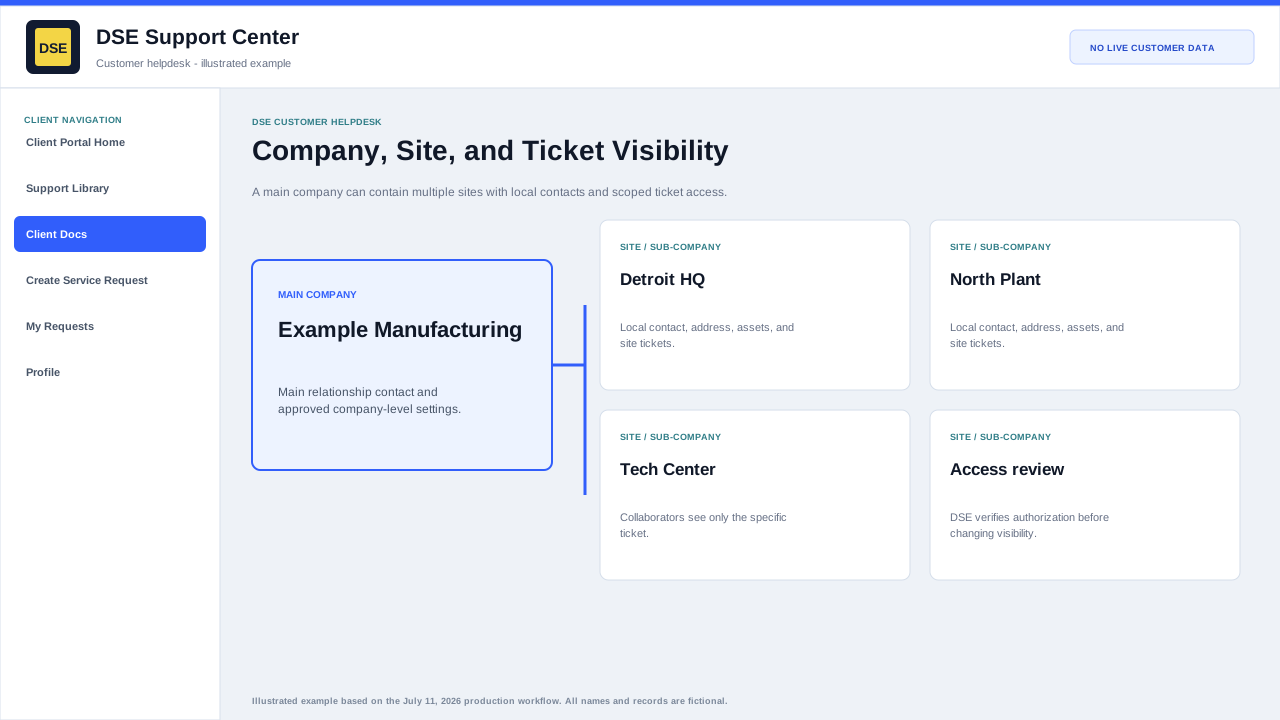
Being copied on one ticket does not automatically grant access to every ticket for the company or site.
Related resources
Content owner: DSE Service Operations · Production review: July 11, 2026