
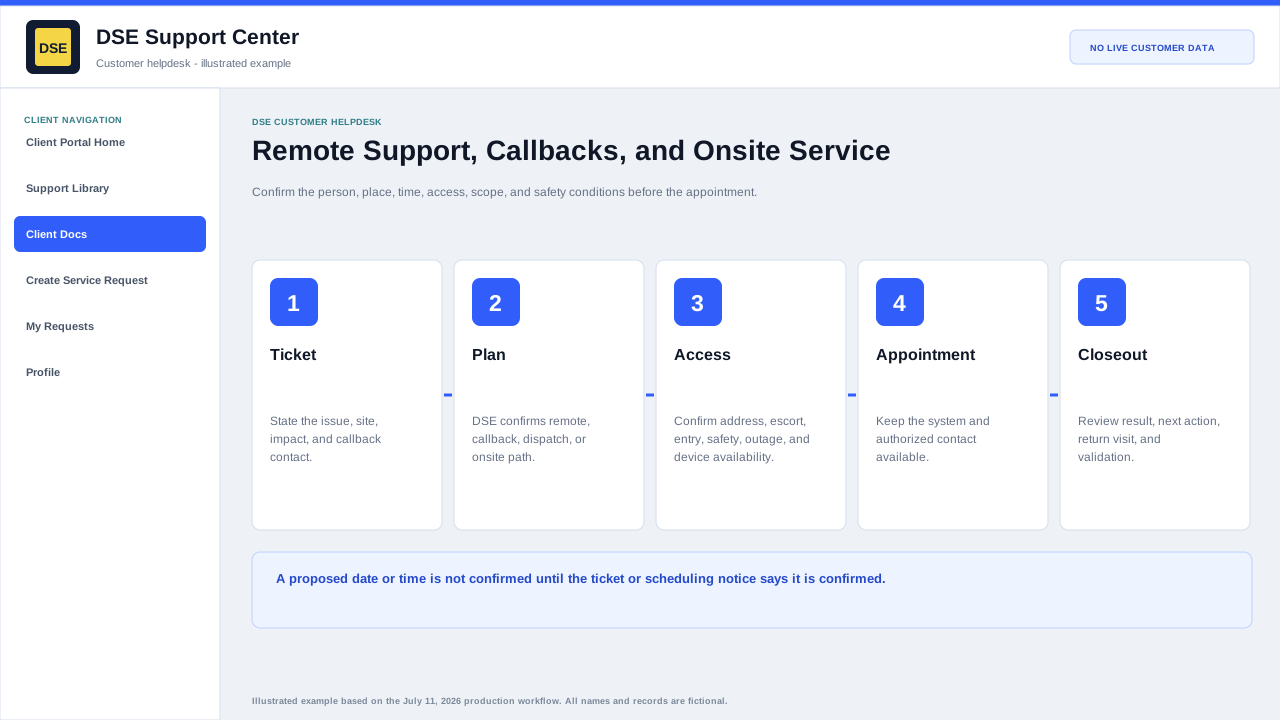
Summary: Give DSE a confirmed contact, access window, location, scope, and site constraints so remote or field work can begin safely and on time.
Remote session or callback
- Provide the person who will be at the affected system and the best callback number.
- List time windows with the correct time zone and any hard deadline.
- Keep the affected device powered on and connected when safe.
- Close unrelated sensitive material before screen sharing and remain available during the session.
- Use only the scheduling or connection instructions provided through the verified DSE ticket.
Onsite visit preparation
- Confirm site address, building, entrance, parking, receiving, escort, and contact information.
- Describe access restrictions, working hours, permits, training, PPE, lift, ladder, union, or safety requirements.
- Confirm the affected equipment, scope, outage window, and whether parts or credentials are expected.
- Tell DSE about schedule changes as soon as possible on the ticket.
After the appointment
- Review the technician summary and any remaining customer action.
- Reply promptly if testing, approval, or a return visit is required.
- Keep follow-up for the same scope on the original ticket.
Related resources
Content owner: DSE Service Operations · Production review: July 11, 2026