
Summary: Business requests move faster when the ticket identifies the company, site, project or reference number, requested outcome, deadline, contact, and approval context.
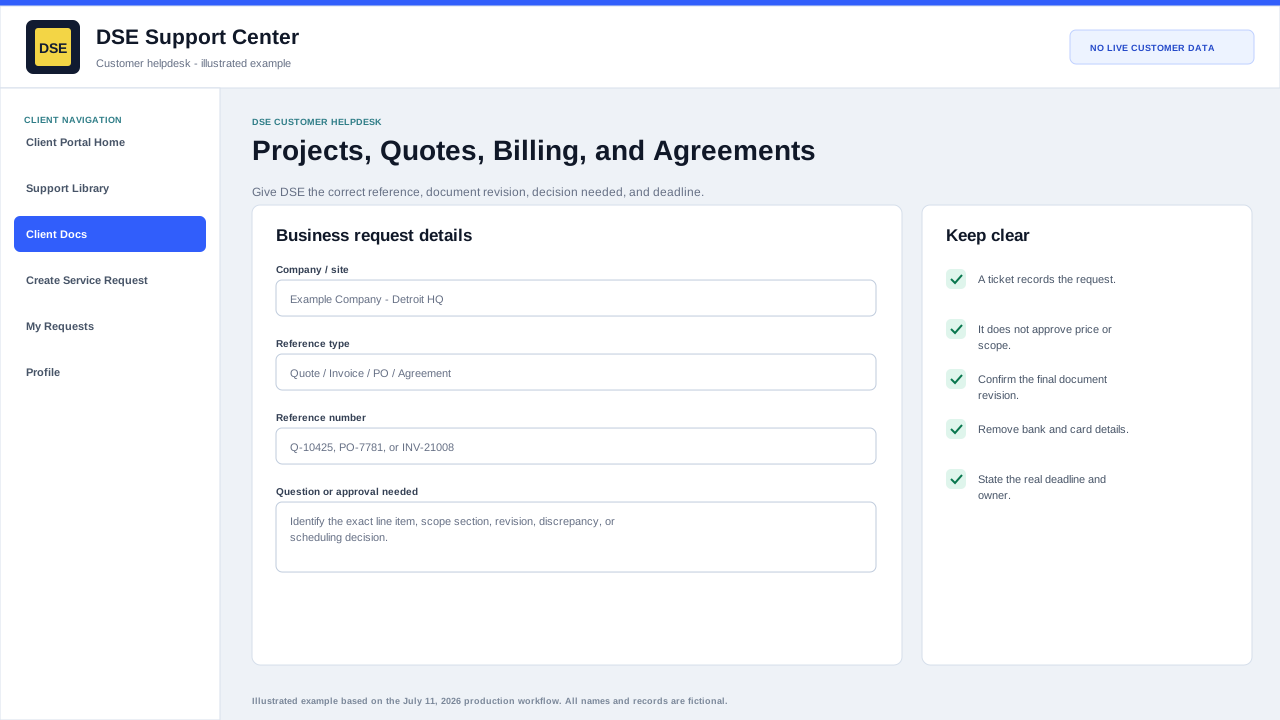
Identify the request
- Company, site, project or job name, and customer contact.
- Quote, invoice, purchase order, agreement, ticket, or other reference number.
- Whether the request is a new estimate, revision, approval, status question, billing question, renewal, or closeout item.
- Required date and the business event driving that date.
Attach supporting material carefully
- Attach the relevant approved scope, marked-up drawing, purchase reference, or invoice page when authorized.
- Identify the exact line, quantity, site, or date in question.
- Remove payment-card, bank-account, tax-identifier, employee, and unrelated customer information.
- Do not treat a ticket reply as contract approval unless the authorized DSE process says it is sufficient.
Keep technical and commercial work clear
A service outage and a quote or billing question may need separate tickets because they have different owners and priorities. Reference the related ticket numbers so DSE can connect the context without mixing the workstreams.
Related resources
Content owner: DSE Service Operations · Production review: July 11, 2026