
Summary: Separate one-device, one-user, one-site, and company-wide symptoms and include the exact device, connection, application, account, error, and recent change.
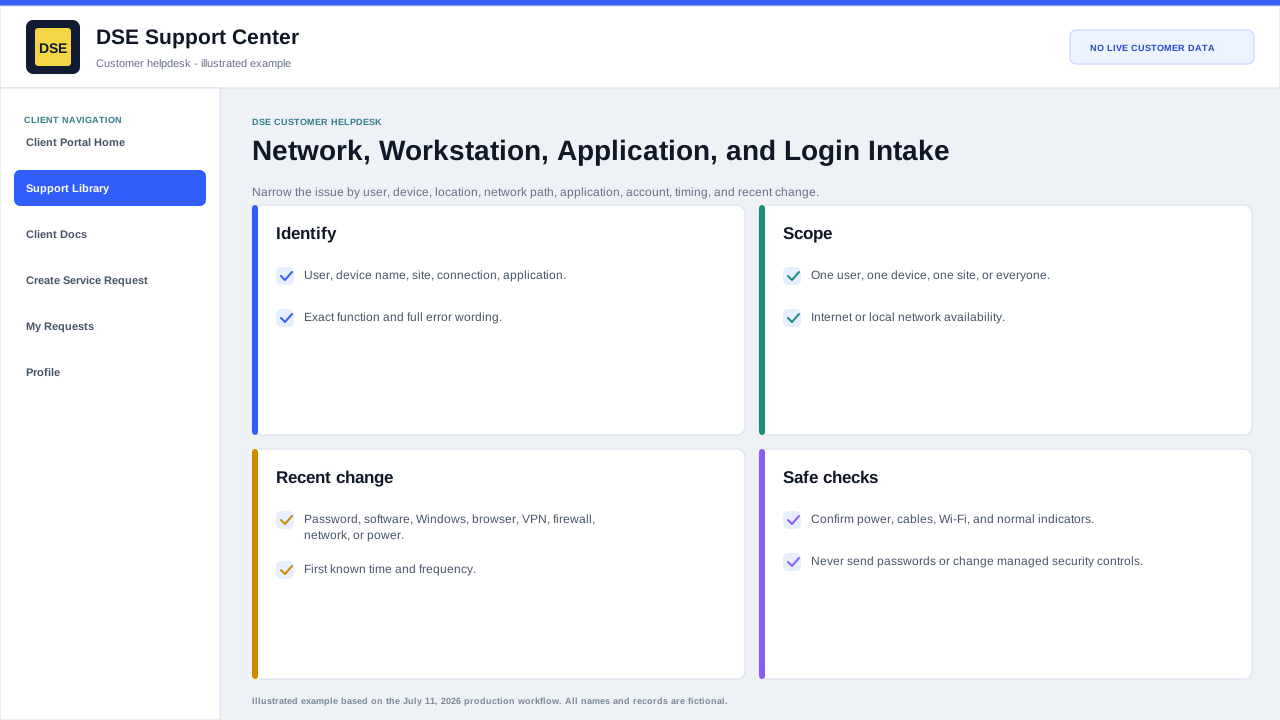
Network and workstation details
- Company, site, affected user, workstation hostname, and best callback number.
- Wired, wireless, VPN, remote-access, or internet connection being used.
- Whether other users, devices, websites, or applications work from the same location.
- Connection state, exact error, and when the device last worked normally.
- Recent restart, update, password, cabling, network, power, or office change.
Application and login details
- Application or service name and version when visible.
- Username or business email without sending the password.
- Sign-in method, exact error, and whether password reset was attempted.
- Device and browser or client used, and whether another authorized user can sign in.
- Screenshot with secrets and unrelated data removed.
Safe checks
- Confirm power, cable, Wi-Fi, airplane-mode, and obvious connection indicators.
- Restart the affected application once; restart the workstation only when it is safe to interrupt work.
- Try a known safe website or another authorized application to determine scope.
- Do not uninstall security software, disable controls, change network settings, or share credentials without DSE direction.
Related resources
Content owner: DSE Service Operations · Production review: July 11, 2026