
Summary: Provide the panel or station, affected point, current state, exact event time, and safety impact while following the site response procedure.
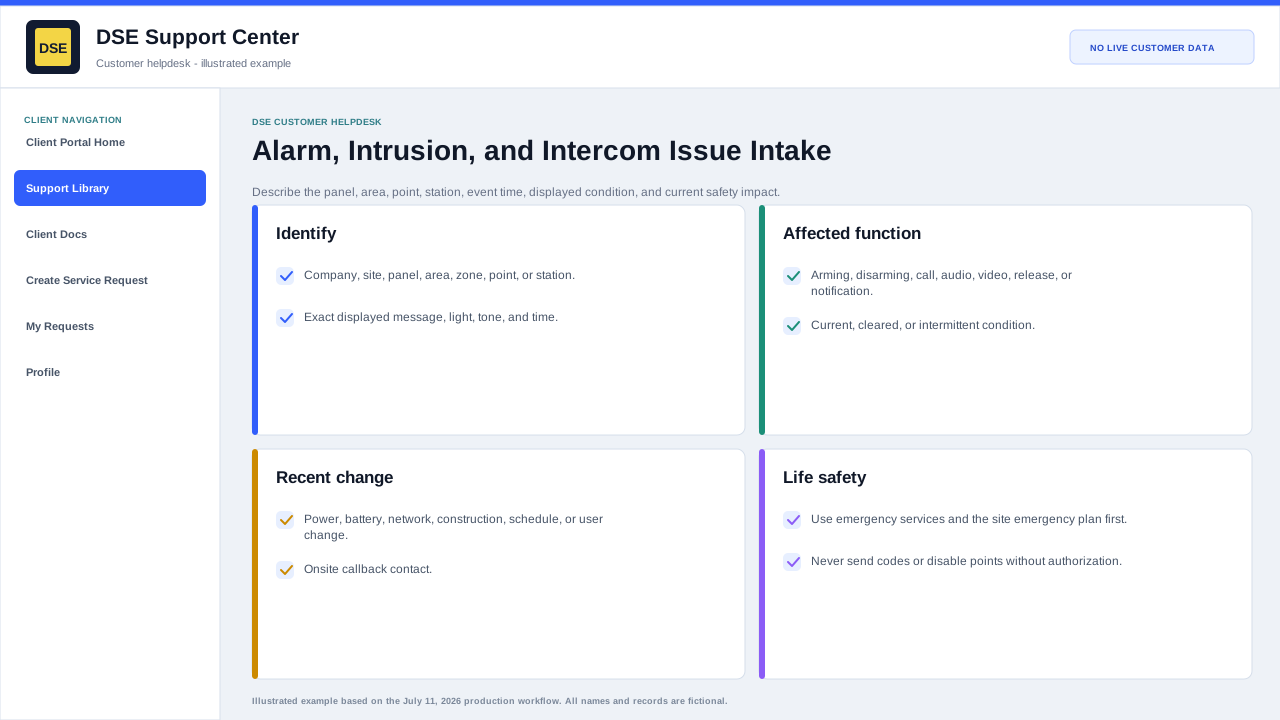
Alarm or intrusion details
- Panel and site name plus the exact zone, point, device, or area.
- Displayed trouble, fault, alarm, bypass, communication, battery, or tamper message.
- Whether the condition is active, restored, intermittent, or a repeated false event.
- Exact event time, arming state, and what occurred immediately before the event.
- Whether central monitoring, site security, or emergency services are already involved.
Intercom details
- Calling station and receiving station, user, application, or phone.
- Whether call setup, audio, video, door release, directory, or notification is affected.
- One-way or two-way audio result and whether the issue occurs on every call.
- Network, power, handset, microphone, speaker, or application symptoms that are visible without disassembly.
Do not bypass procedure
- Do not silence, reset, bypass, disarm, or place a life-safety or security point out of service unless your site procedure and authority permit it.
- For an active emergency, follow the monitoring-company, site-security, and emergency-services procedure first.
- Tell DSE what temporary safety measure is in place and who authorized it.
Related resources
Content owner: DSE Service Operations · Production review: July 11, 2026