
Summary: Collect camera, location, client, time, and symptom details without changing recording or security settings unless DSE authorizes the change.
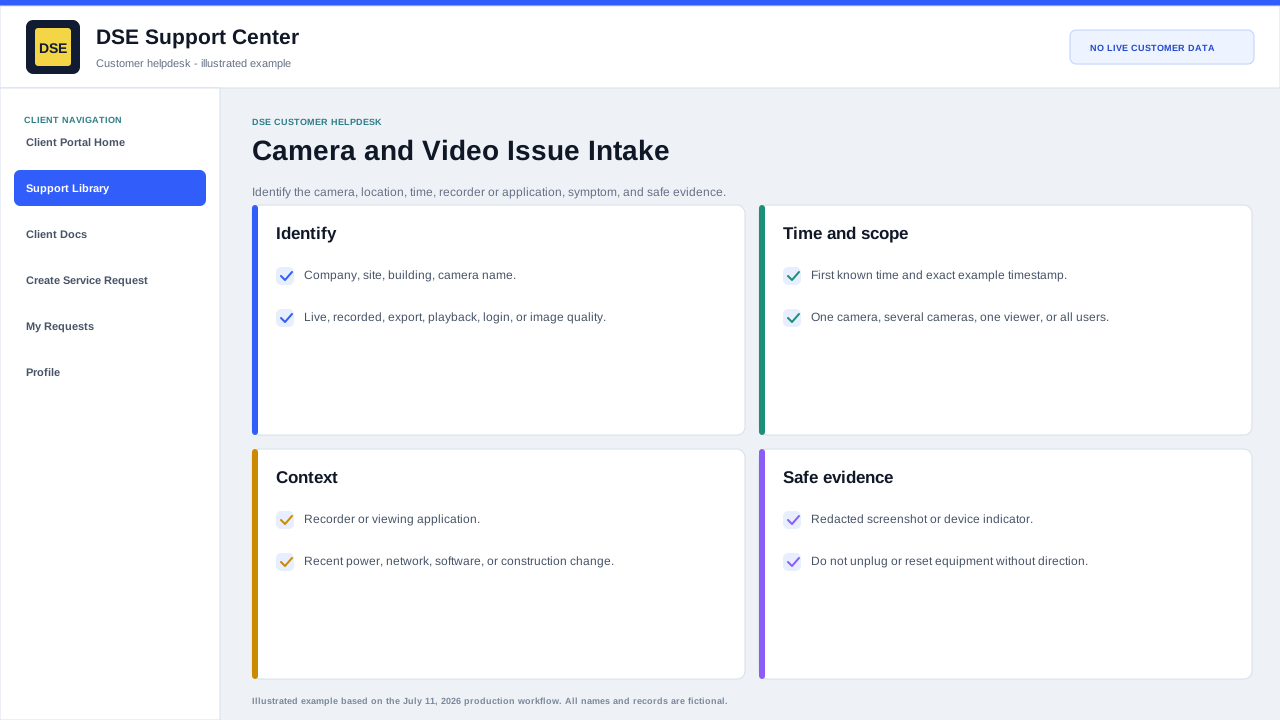
Identify the symptom
- Camera offline, intermittent, slow, blurry, dark, obstructed, or pointed incorrectly.
- Live video works but recorded playback is missing, delayed, or unavailable.
- Only one workstation or viewing client is affected, or all users see the same problem.
- Timestamp, retention, export, analytics, or event-search results appear incorrect.
Include these details
- Company, site, building area, and exact camera name or label.
- Viewing application and workstation or device used to test.
- Whether live view, playback, export, or all video functions are affected.
- One or more example event times with time zone.
- A screenshot of the error or safe photo of the camera or cabling when useful.
- Recent power, network, construction, credential, or software changes.
Safe checks
- Confirm the viewing device has network access and the correct date and time.
- Try another authorized camera in the same client to separate camera-specific and client-wide symptoms.
- Do not factory-reset, reposition, unplug, delete footage, change retention, or expose credentials without DSE direction.
Related resources
Content owner: DSE Service Operations · Production review: July 11, 2026