
Summary: Escalate by updating the existing ticket with measurable impact and current safety status. Use emergency channels first for an immediate threat to life or property.
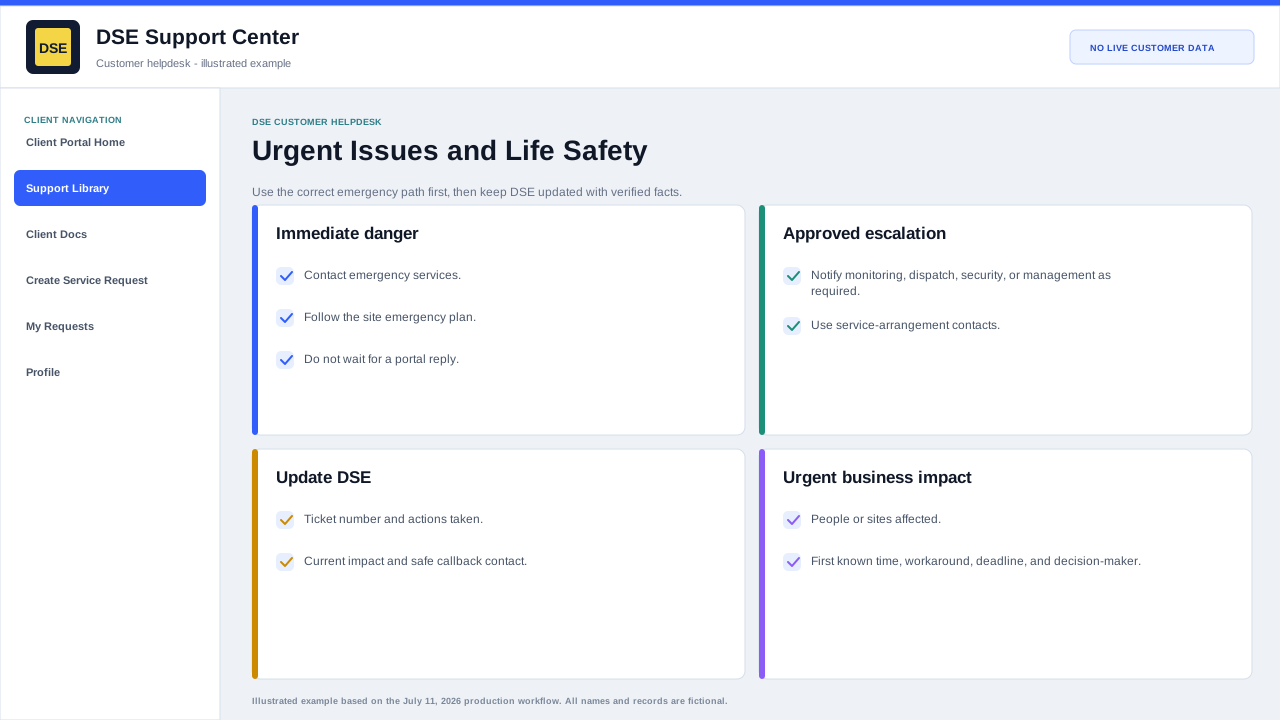
Information DSE needs immediately
- Ticket number, company, site, and best live callback contact.
- System or function that is unavailable and the exact start time.
- Number of affected people, devices, doors, cameras, locations, or business processes.
- Whether the condition is active, worsening, intermittent, or contained.
- Safe workaround, security coverage, and any site or emergency response already in progress.
Update the existing ticket
- Reply with URGENT IMPACT UPDATE and the new facts; do not create several duplicate tickets.
- State what changed since the prior update and the deadline or event now at risk.
- Keep a decision-maker or site contact available when immediate coordination is required.
- Follow any verified DSE callback or dispatch instruction recorded on the ticket.
Emergency boundary
- For fire, medical emergency, active threat, break-in, or immediate danger, call local emergency services and follow the site emergency plan first.
- For an active monitored alarm, follow the monitoring-company and site-security procedure.
- A ticket, email, or portal priority selection does not replace an emergency call or guarantee immediate response.
Important: Do not mark routine planning, feedback, billing, or inconvenience as an emergency. Accurate impact helps DSE protect truly critical work.
Related resources
Content owner: DSE Service Operations · Production review: July 11, 2026