
Summary: Use these checks for account, ticket-access, browser, and attachment problems before opening a new support request.
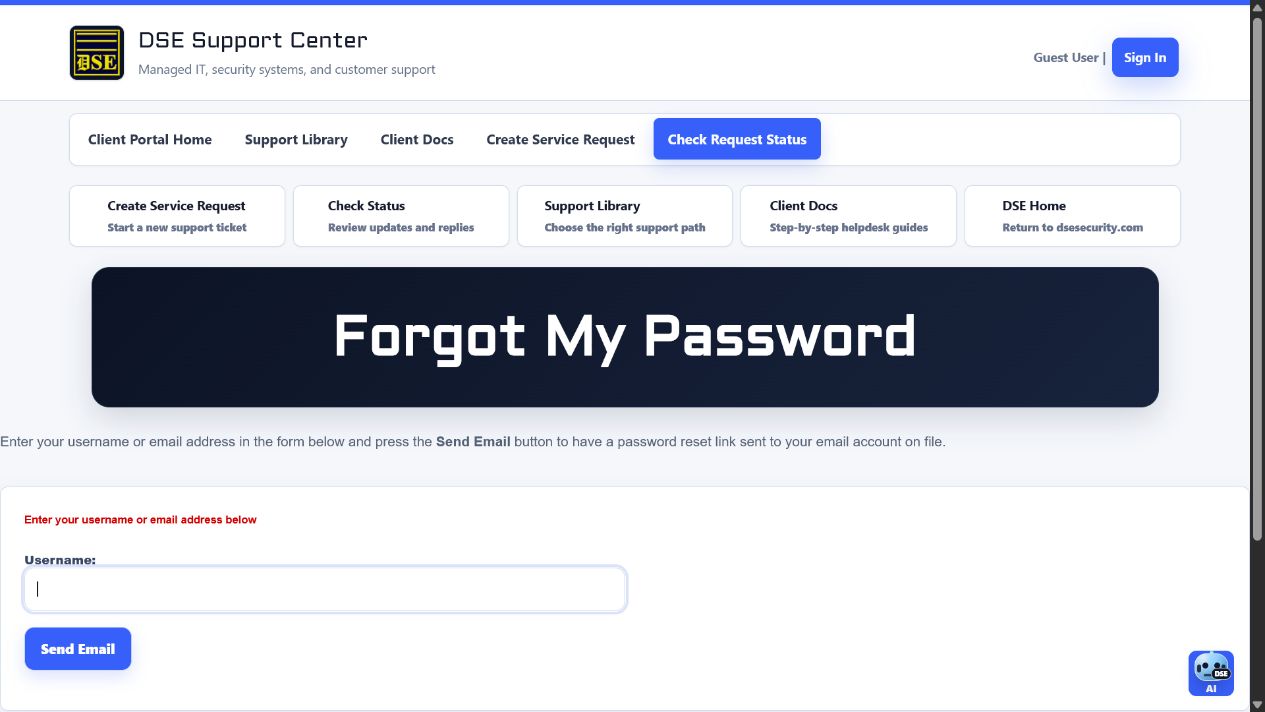
Connection diagnostic checklist
- Confirm the exact page address, time, device, browser name and version, and whether other websites work.
- Return zoom to 100 percent, reload once, and sign in again if the session expired.
- Try another current approved browser or a private window only to determine whether cached data is involved.
- Avoid repeatedly submitting a registration, reset, ticket, or reply form after a delay.
- Capture a redacted screenshot with the full error wording and page address, then email the verified helpdesk mailbox if the portal prevents ticket creation.
Cannot sign in or register
- Confirm the email address is spelled correctly and belongs to the intended client account.
- Complete the email-verification message for a new registration.
- Use Forgot password for an existing account instead of registering a duplicate.
- Check spam and quarantine for verification or password-reset messages.
- After repeated failures, pause and contact DSE rather than continuing attempts.
Cannot find or open a ticket
- For Check Request Status, use the original requester email and the ticket number from the confirmation message.
- For signed-in history, confirm you are using the account that DSE associated with the request.
- Ask DSE to verify company, site, requester, and ticket-sharing configuration when an authorized ticket is missing.
- Do not ask another customer to forward a private ticket link.
Page or attachment problem
- Refresh once and retry in a current version of Chrome, Edge, Safari, or Firefox.
- Disable aggressive content blockers for the Support Center if they suppress forms or file controls.
- Confirm the connection is stable and the attachment is no larger than 15 MB.
- Sign in before opening protected ticket attachments.
- Capture the exact error and page address if the problem continues.
Related resources
Content owner: DSE Service Operations · Production review: July 11, 2026