
Summary: Search public, customer-safe documentation before or after opening a request. Search results include support paths, step guides, and full knowledge-base articles.
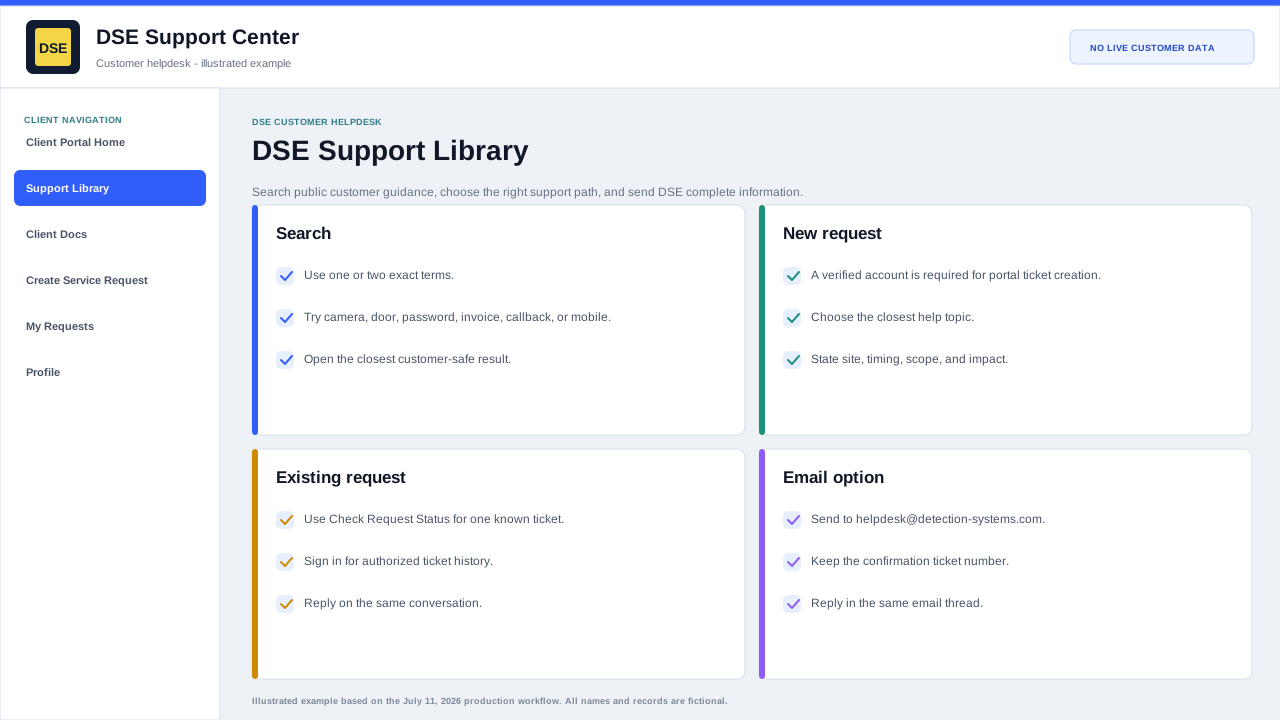
Search effectively
- Start with two or three specific words, such as camera offline, badge denied, VPN login, invoice question, or ticket attachment.
- Search by the task you are trying to complete, the affected system, or a short symptom.
- Remove serial numbers and long error strings if an exact search returns no result.
- Try a broader system term, then open the most relevant checklist.
Use an article safely
- Follow only steps that are appropriate for your role and site authorization.
- Stop if a step would bypass a safety control, disable security coverage, expose credentials, or interrupt a production system.
- Record the safe steps you completed and the result of each one.
- Open a ticket when the article does not match the situation or the issue continues.
When you still need DSE
An article is guidance, not a replacement for a service request when work requires DSE access, configuration changes, dispatch, parts, account changes, or security review.
Reference the article title in your ticket and explain where the documented steps stopped working. That gives the technician a useful starting point.
Related resources
Content owner: DSE Service Operations · Production review: July 11, 2026